
WerkOS · flagship product

Planned vs actual,
per job, per operation.

WerkOS is shop-floor software for owner-run metal, fabrication and auto job shops. It tracks every job from quote to dispatch — material, machine hours, labour and subcontract — against the plan, while the job is still on the floor.

Book a 15-min demo →See modules
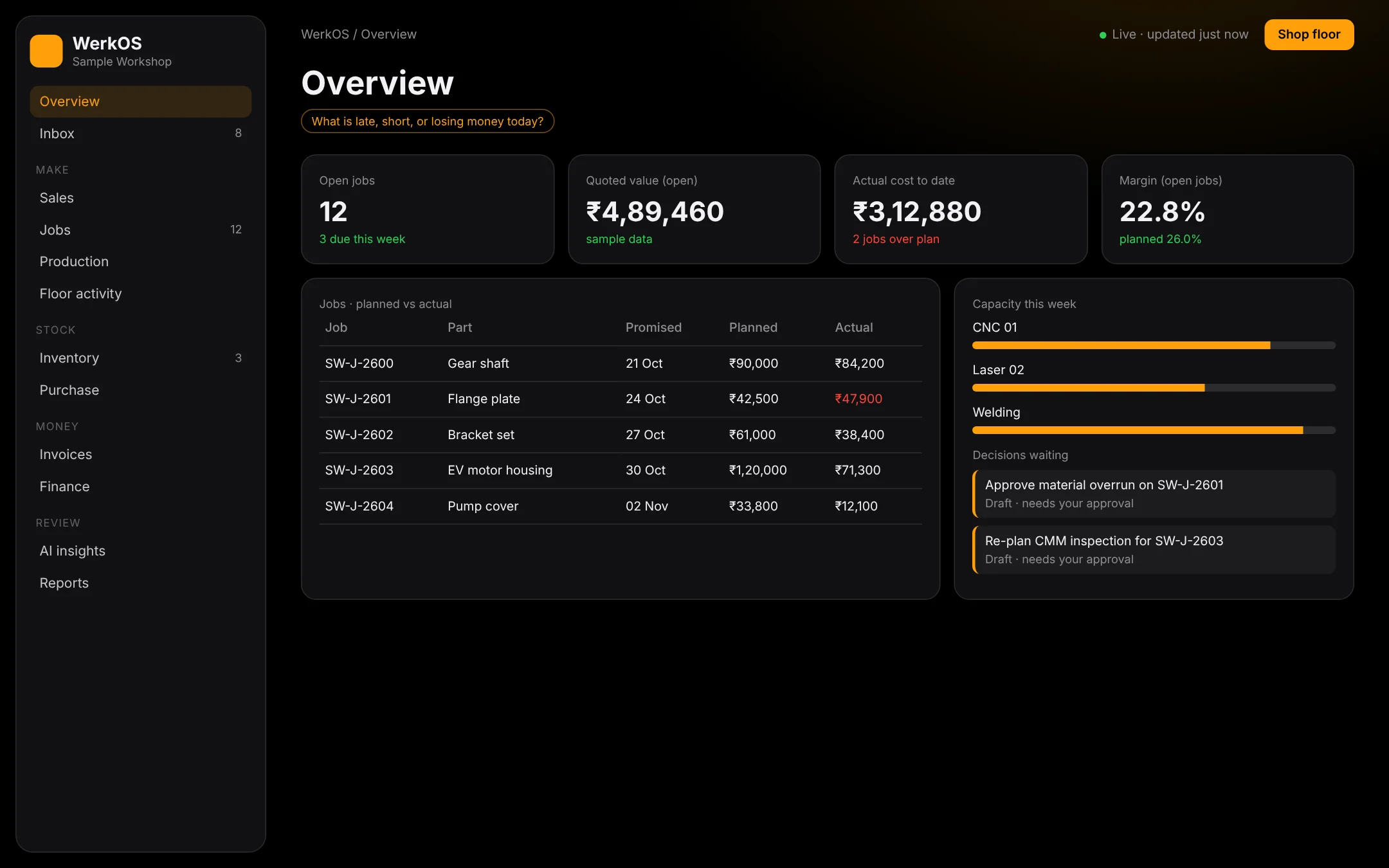
WerkOS overview screen with job KPIs and planned vs actual
WerkOS · Overview · sample workshop data

Real WerkOS interface · sample data, not a customer.

01 · Modules

Built around the job card.

JOBSJob & routing

Each job carries its quote, drawing references, operations (cut, bend, weld, machine, coat) and due date.

COSTPlanned vs actual

Material, machine hours, labour and subcontract tracked against the quoted plan — variance shown per line, not at month end.

FLOORDigital floor

We set up a digital environment on your machines. Operators start and finish operations at the machine; time and quantities land on the job.

STOCKMaterial & inventory

Sheet, bar and consumables issued against jobs, with low-stock flags before a job stalls.

QUOTEQuotes from real numbers

Price the next job from what comparable jobs actually cost on your floor.

INBOXAI inbox · human approval

AskOS drafts follow-ups and flags. Nothing is sent or changed until you approve it.

02 · Planned vs actual

One job, line by line.

J-121 · frame weldmentPlannedActualΔ
S235 sheet 3 mm₹38,600₹44,100+14.2%
Laser cutting · 6.0 h₹18,000₹17,400−3.3%
Press brake · 4.0 h₹10,000₹11,250+12.5%
MIG welding · 8.0 h₹16,000₹15,200−5.0%
Powder coat (subcontract)₹15,400₹15,4000.0%
Total₹98,000₹1,03,350+5.5%

SAMPLE · illustrative values, not customer data

Variance where it happens.

Every operation compares the hours and material you quoted with what the floor actually used. When a line drifts, the job turns amber on the owner's overview — while there is still time to act.

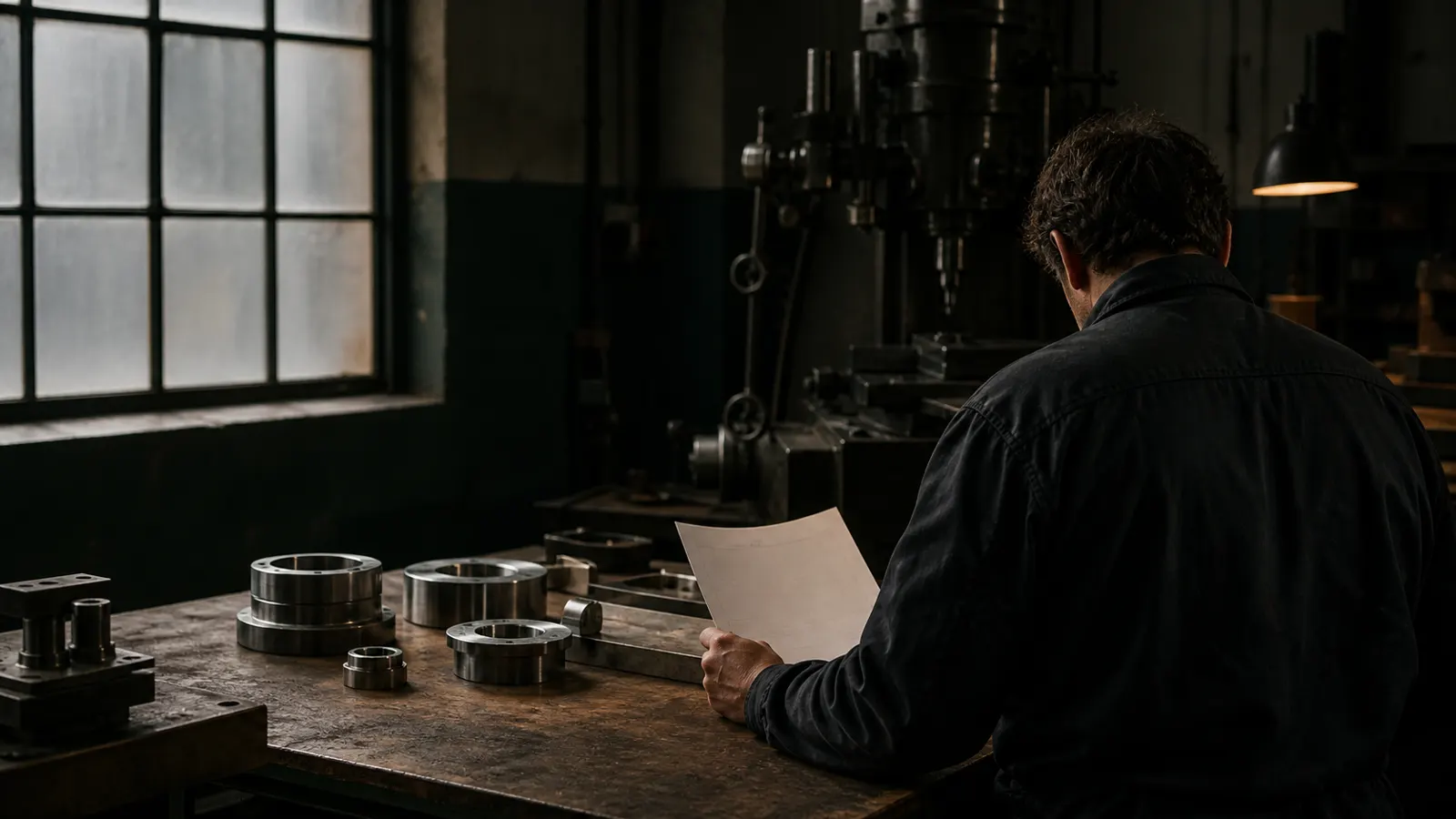
Machinist reviewing a job sheet at a machine
Shop floor · job sheet review
03 · Digital floor

Machines online. The floor reports itself.

  1. Set upWe connect your machines and work centres to WerkOS.
  2. Start on machineOperator starts the job at the laser, brake or weld bay.
  3. FinishTime and good quantity recorded per operation.
  4. Issue materialSheet and consumables booked to the job.
  5. See it liveOwner sees progress and cost on one screen.
Operator at a CNC machine
Operation start · machine bay
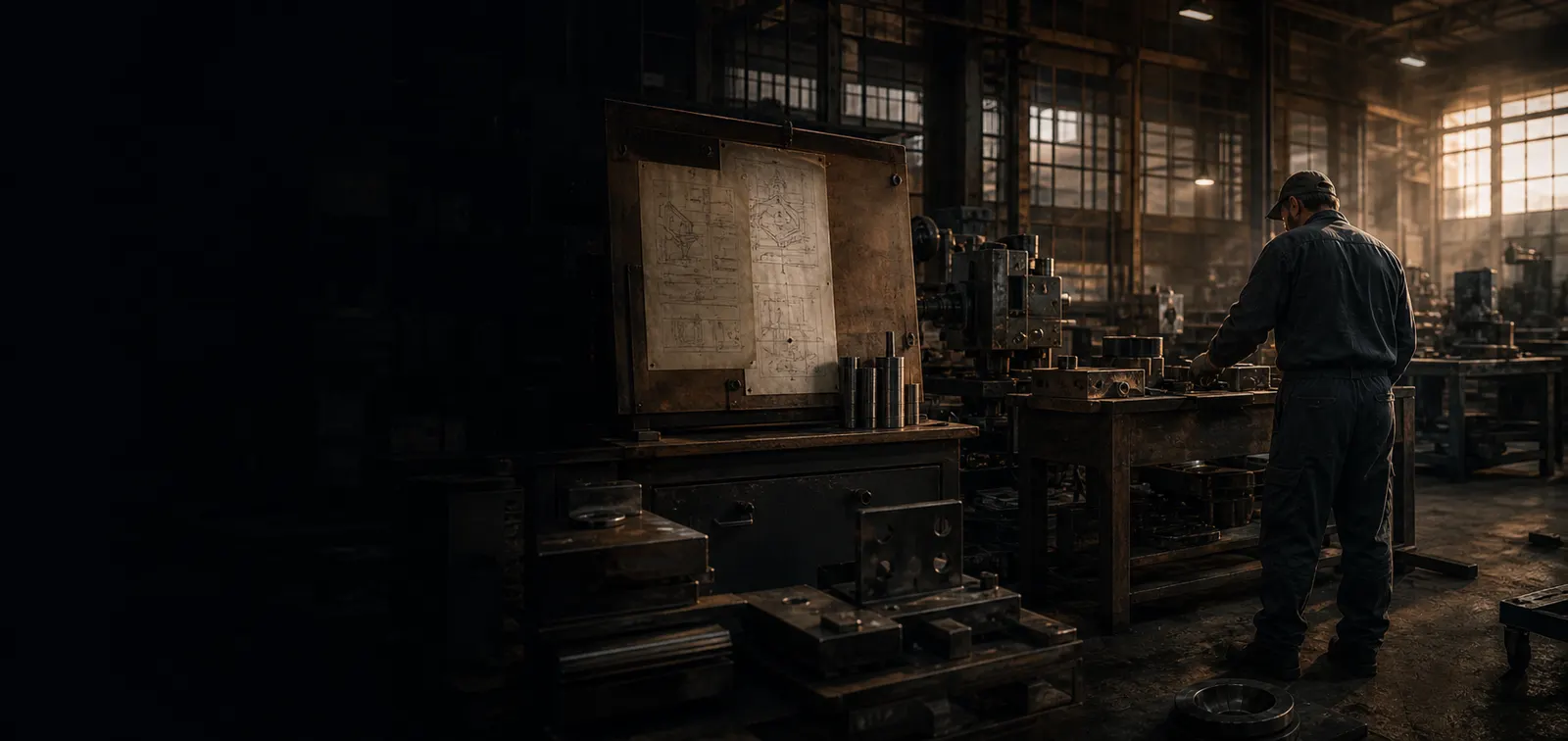
Fabrication bay with machines
Work centres · fabrication bay
04 · AI inbox

The assistant drafts. You decide.

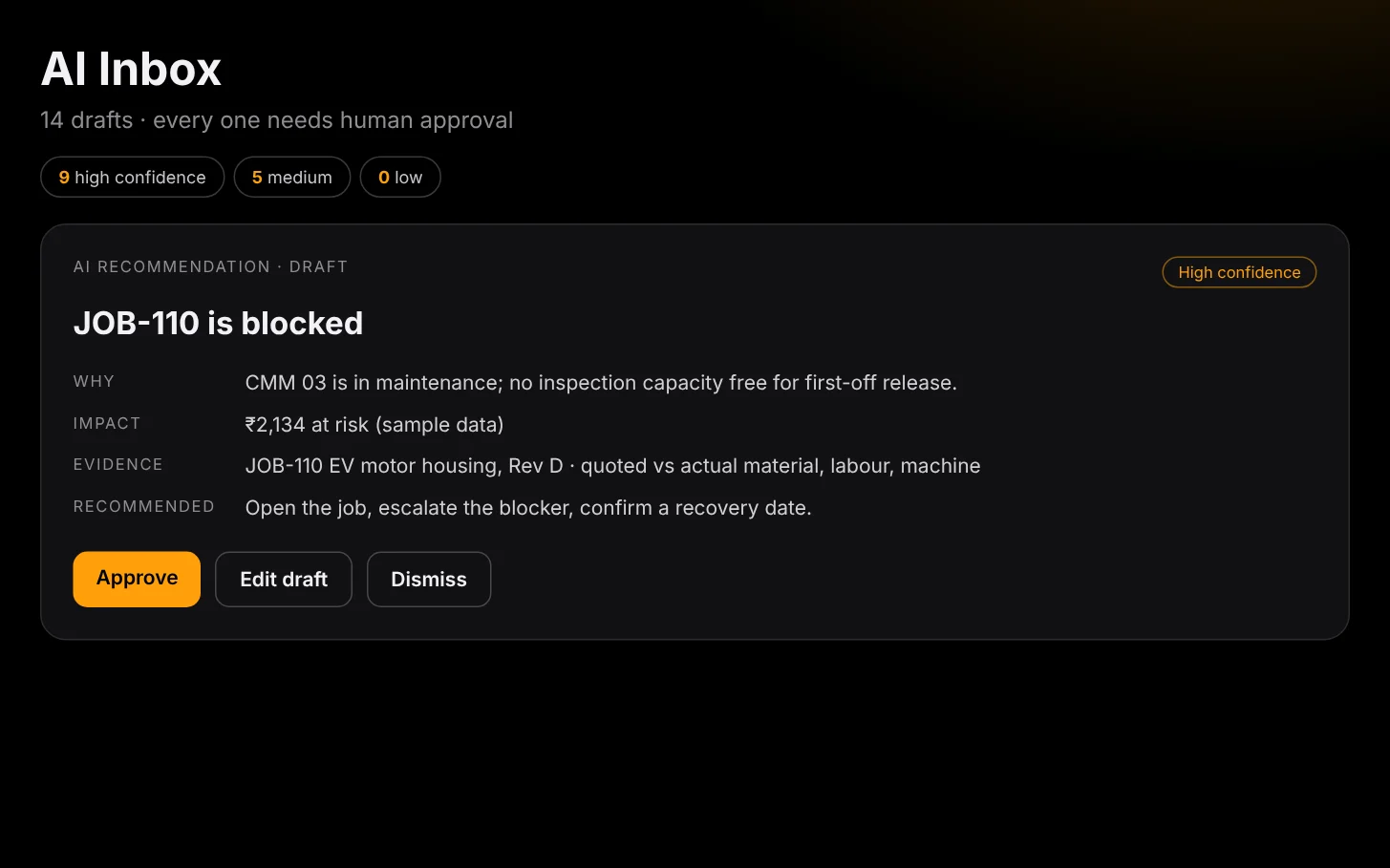
WerkOS AI inbox with approval buttons
WerkOS · AI inbox · sample

AskOS reads what is happening across jobs — a material overrun, a late operation, an open quote — and prepares a draft: a note to a supplier, a flag to the floor lead, a quote follow-up.

Human approval, always. Every draft waits for you. Edit it, approve it or reject it. AskOS does not send, change prices or close jobs on its own.

05 · Precision

Measured, not estimated.

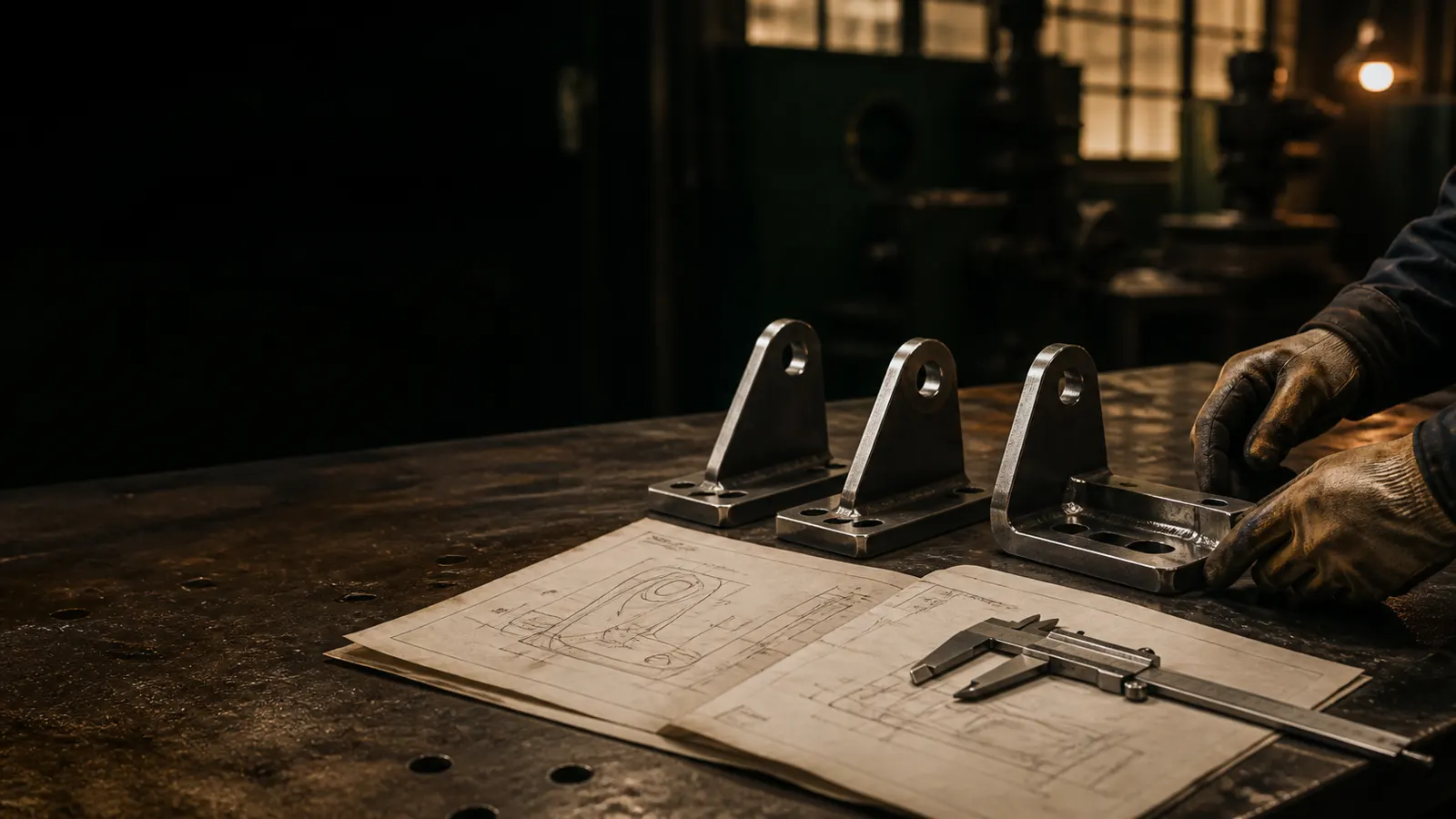
Caliper resting on an engineering drawing at a workbench
Inspection · caliper on drawing
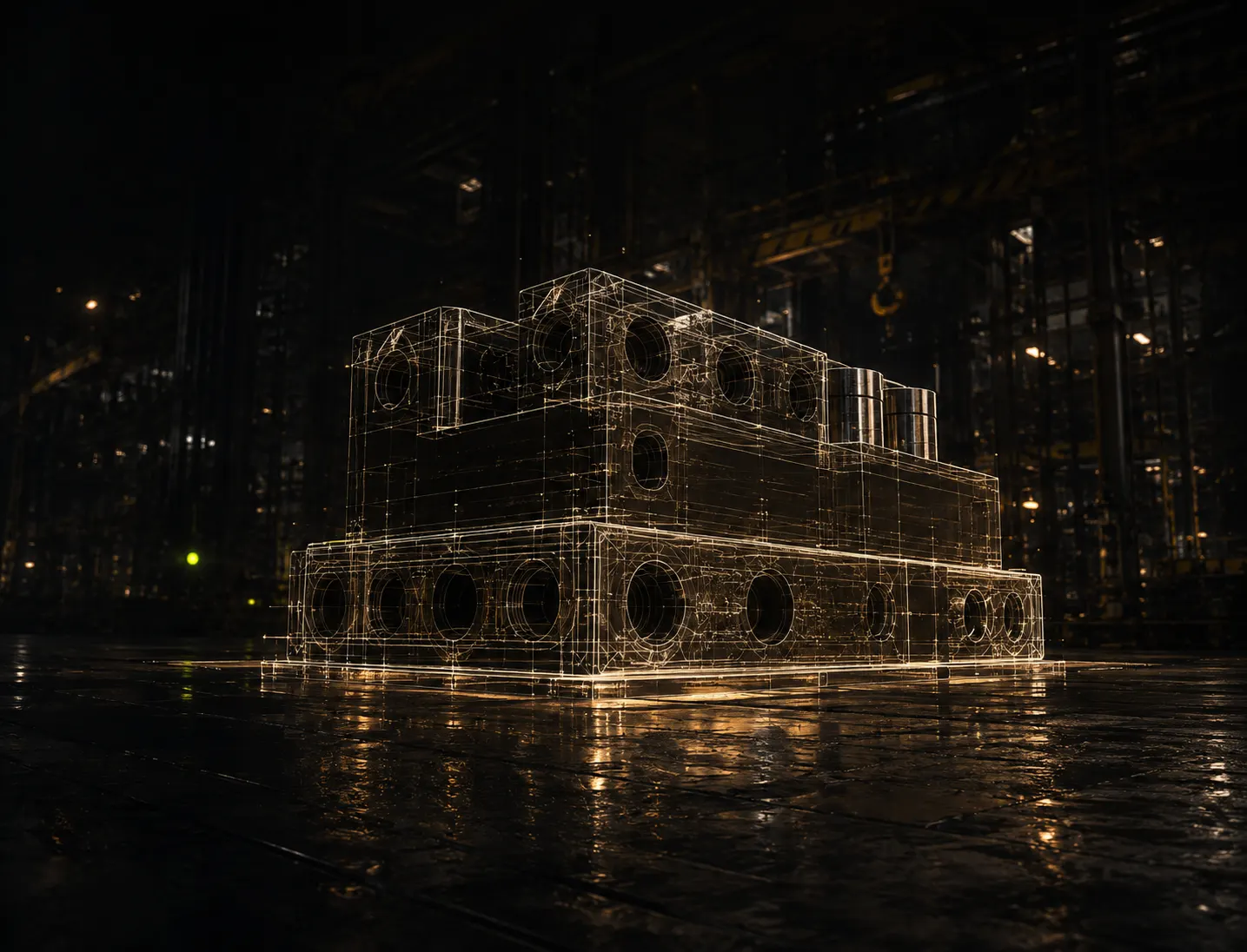
Engineered steel part visualised as a blueprint
Part model · fabricated block

Photography: industrial scenes rendered for HandelOS · not customer sites.

The problem

Most shops find out a job lost money after it shipped.

The quote lives in one file, the hours on a whiteboard, the material on a delivery slip. By the time someone adds it all up, the job is invoiced and the margin is gone.

WerkOS keeps those numbers in one place while the job is still on the floor, so you can act on Wednesday instead of finding out at month end.

Who it is for

Owner-run metal, fabrication and auto job shops. Small teams where the owner still prices the jobs and walks the floor.

Who uses it

The owner sees margin. The floor lead sees what to run next. The office sees what is late or short. One system, three views.

What it replaces

The spreadsheet, the whiteboard and the end-of-month surprise. Not your machines, not your people.

06 · One job, live

Quote to approval.
One job, four steps.

One sample sheet-metal job, start to finish — the way the office and the floor see it.

01
S235 sheet, 3 mm · 420 kg₹38,600
Laser + bend · 14 h₹42,000
MIG weld + powder coat₹31,400
₹1,12,000Accepted

Quote

Accepted → job created.

02
Laser 01run
Brake 02run
Weld baysetup
07:32 laser · op start
07:41 sheet issued · 420 kg
08:05 press brake · op start

Start on the machine

The operator starts the job at the machine. The floor reports itself.

03
vs plan · W3+₹9.4k

Cost curve

Material overrun flagged mid-job.

04
AI DRAFT · TO SUPPLIERPlease hold the second sheet delivery for J-121 until Monday — we are ₹9.4k over on material.
EditApprove

Approve

Nothing sends without you.

07 · Job cost

Drag through the job.

Sample · batch job · illustrative values
Variance vs plan
₹0L
WeekW1
Planned₹4.0L
Actual₹4.0L
Scrub
ActualPlannedOver plan
Where it went · to date
₹4.0Lspent
08 · Plant snapshot

Monday, 9:12 am.

Sample · fictional plant · not a customer result
Todaylive
0active jobs
0spent this week
0avg margin
0drafts waiting
Machines onlinesample · today
0ops started
Machine & crew loadthis week
0avg · Mon–Sat
Jobs vs plan% of budget used
J-118 · bracket batch62%
J-121 · frame weldment88%
J-114 · gearbox repair41%
J-120 · cabinet panels55%
What WerkOS does

Four things, done well.

  1. Job cost while it runs. Planned against actual for material, labour, subcontract and equipment, per job.
  2. Crews and the floor. Who is on which job and machine today, and what is waiting on whom.
  3. Quotes from real numbers. Price the next job from what similar jobs actually cost.
  4. One inbox for the owner. Late jobs, overruns and open quotes, sorted by what needs you first.
AskOS · AI with a human in charge

The assistant drafts. You decide.

AskOS reads what is happening across your jobs and prepares drafts: a follow-up on a quote, a flag on a job running over. Nothing is sent or changed until you approve it. You can edit, reject or ignore every draft.

Talk to HandelOS.
15 minutes, one real problem.

A 15-minute call with the founder. Bring one job you know well and we show how WerkOS would track it, or bring a task you want a bot to draft for you. You decide if it fits. No slides, no obligation.